Menu


25+ Reviews

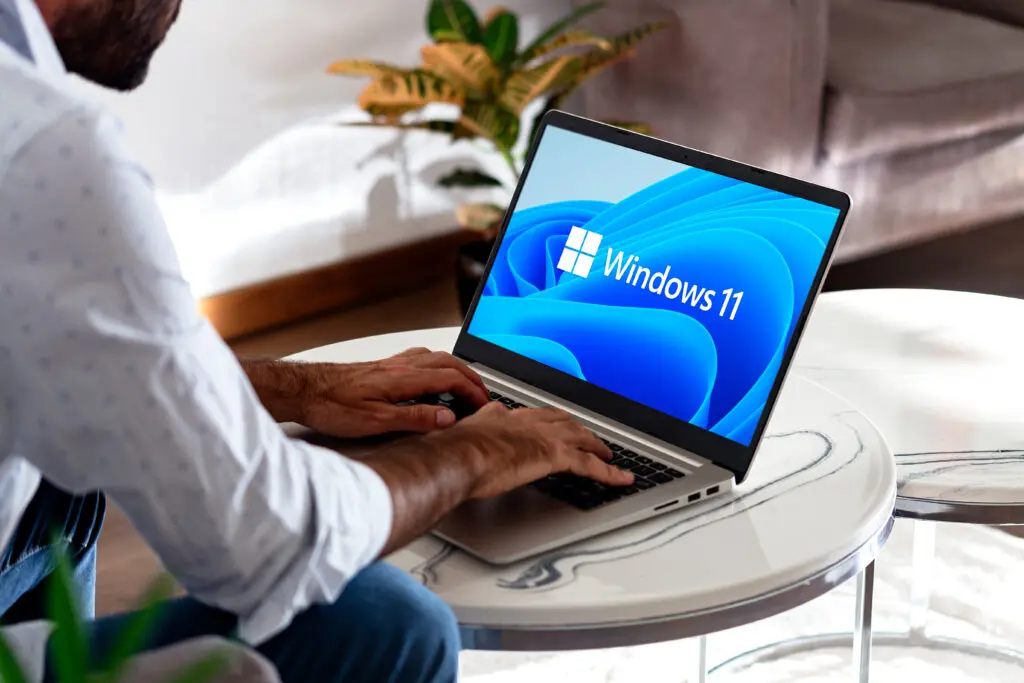
Microsoft has rolled out several powerful security improvements in Windows 11 designed to help businesses — especially smaller ones — stay safe from today’s cyber threats. These tools focus on stronger authentication, smoother updates, and reduced disruption, making it easier to keep systems secure without compromising productivity.
In this post, we break down the key features and explain how they can benefit your business.
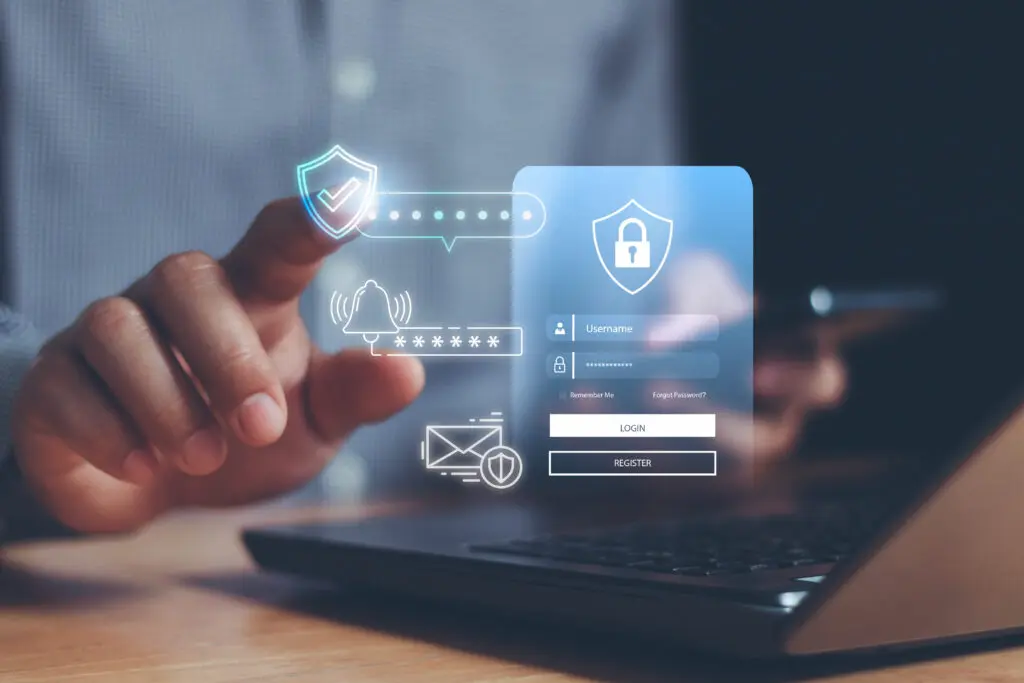
One of the biggest changes in Windows 11 security is the move toward passwordless authentication using passkeys. Passkeys replace traditional passwords with secure cryptographic credentials stored on the device. This means you can sign in using methods like biometrics (fingerprint or face ID) or a device PIN, which:
Passkeys use FIDO-standard cryptography, which is far more resistant to common attacks than traditional passwords, helping protect your business from account takeover and identity fraud.
Security updates are essential, but they often interrupt work because a reboot is required. Microsoft’s Hotpatching feature lets critical Windows updates be applied without restarting the device.
Why this matters for small businesses:
This means you don’t have to choose between security and productivity — updates can happen seamlessly in the background.
In addition to passkeys, Microsoft has enhanced support for phishing-resistant multi-factor authentication (MFA). Unlike traditional MFA (like SMS codes), this approach makes it much harder for attackers to intercept or reuse authentication tokens because it relies on cryptographic verification tied to the device and user identity.
For small businesses, this adds a strong layer of protection to accounts without adding complex steps for users.
Windows 11 also includes features like Administrator Protection, which helps prevent malware or unauthorised processes from gaining elevated privileges. When a user needs to perform a system-level task — such as installing software — they are prompted to authenticate via a secure method like Windows Hello.
This protects systems by ensuring admin-level access is only granted just-in-time and is traceable and deliberate — reducing accidental or malicious changes.
Taken together, these tools show Microsoft’s ongoing commitment to balancing security with usability:
For small businesses that don’t have large IT teams, these features provide enterprise-grade protections built directly into Windows 11 — helping you stay secure without adding complexity.
This website uses cookies to improve your experience. Choose what you're happy with.
Required for the site to function and can't be switched off.
Help us improve the website. Turn on if you agree.
Used for ads and personalisation. Turn on if you agree.